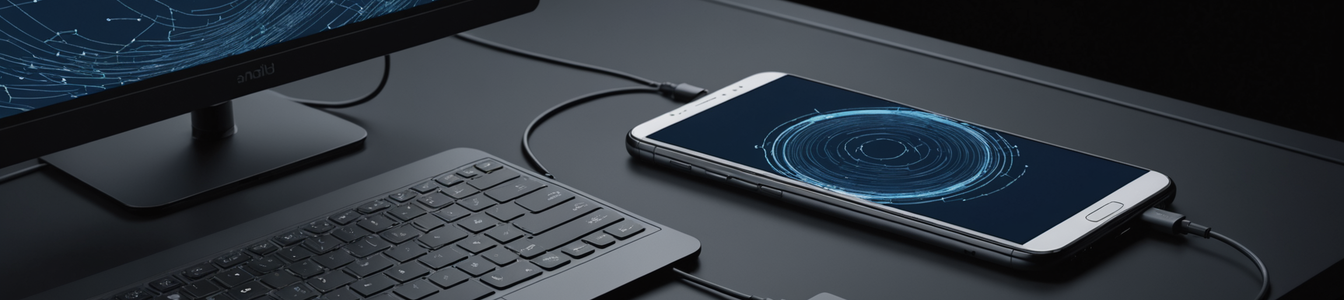
The latest March Feature Drop for Google Pixel devices has delivered a long-anticipated capability: a native desktop mode integrated directly into Android 16 QPR3. With a simple USB-C connection to an external monitor, a smartphone can now transform into a full desktop computing environment, complete with a taskbar, resizable application windows, and a familiar desktop-style workflow. This move represents Google's most significant push yet into the convergence computing space, directly challenging legacy PC paradigms and solutions like Samsung DeX. However, this leap in functionality is not without significant security implications, as it fundamentally alters the threat model for the Android platform by expanding its attack surface into traditional desktop territory.
From Mobile Sandbox to Desktop Exposure
The core security concern stems from the contextual shift for mobile applications. Android apps are developed and secured within a paradigm designed for a single, full-screen, touch-centric interface with strict sandboxing and permission controls. The new desktop mode runs these same mobile apps in a multi-window environment where they can be resized, overlapped, and run persistently alongside other apps. This introduces scenarios where app behavior—particularly concerning window focus, background activity, and inter-process communication—may not have been thoroughly security-tested. A malicious app could, for instance, mimic a system dialog or overlay a credential entry field in a way that was less feasible on a dedicated mobile screen.
Furthermore, the desktop mode inherently promotes longer, more persistent sessions. Where a mobile phone might be unlocked for minutes at a time, a desktop session could last hours, with the device potentially connected to corporate networks, external storage, and input peripherals like keyboards and mice. This extended session time provides a larger window for attack and increases the value of persistence mechanisms for malware. The automatic activation of the feature upon connecting to a display is particularly risky; a user plugging their phone into a public monitor or a compromised docking station in a co-working space could inadvertently expose their device to an untrusted environment.
New Peripheral Vectors and Network Bridging
The attack surface expands beyond software into hardware. Desktop mode encourages the use of a wider array of peripherals—external webcams, microphones, network adapters, and storage devices. Each new USB-connected device represents a potential vector for malicious firmware, DMA (Direct Memory Access) attacks, or simply a means to introduce malicious files directly onto the phone's storage. The Android system must now manage the security of this expanded hardware ecosystem, which was previously the domain of full-fledged desktop operating systems with more mature device driver security models.
Network topology also becomes more complex. The phone may be connected via Wi-Fi to one network while its USB-C hub provides a wired Ethernet connection to another, potentially bridging two separate security domains. Data exfiltration or lateral movement attacks could leverage this dual-homed position. Security teams must now consider the phone not just as an endpoint on a mobile network, but as a potential network gateway or bridge when deployed in desktop mode.
Enterprise Implications and the Blurred Boundary
For enterprises, the convergence creates policy and management headaches. Mobile Device Management (MDM) solutions are built around mobile-centric policies. How do you control which external displays an employee can use? How is data transfer policed when a phone is connected to an external monitor and a keyboard on a home network, versus a corporate docking station? The line between a managed corporate smartphone and an unmanaged desktop workstation vanishes, complicating data loss prevention (DLP) and compliance efforts.
The feature also arrives alongside enhanced desktop-style windowing for the Pixel Tablet, indicating a unified convergence strategy across Google's hardware portfolio. This consistency means that threats and security models developed for one form factor will likely apply to others, amplifying the impact of any discovered vulnerability.
Mitigation and a Call for Security-First Design
Proactive security measures are required. Google has likely implemented this feature with additional sandboxing, but the security community must rigorously test these boundaries. Enterprises should immediately update their acceptable use policies to address the use of desktop mode, especially with untrusted peripherals and displays. Network security controls should be configured to treat devices using desktop mode with heightened suspicion, potentially segmenting them from critical resources.
Application developers, too, have a role. They must test their apps not only for functionality in desktop mode but also for novel abuse cases. Does a banking app properly secure its window state? Can a video conferencing app be tricked into accessing the wrong camera or microphone when multiple peripherals are attached?
Google's native desktop mode is a technological marvel that delivers on the promise of a single-device future. However, in cybersecurity, convergence often means consolidation of risk. By merging the mobile and desktop worlds, Android 16 QPR3 has created a new, hybrid attack surface that demands immediate and focused scrutiny from security researchers, enterprise architects, and individual users alike. The productivity gains are substantial, but the security paradigm must evolve just as rapidly to prevent this new frontier from becoming a new battleground.
Comentarios 0
Comentando como:
¡Únete a la conversación!
Sé el primero en compartir tu opinión sobre este artículo.
¡Inicia la conversación!
Sé el primero en comentar este artículo.